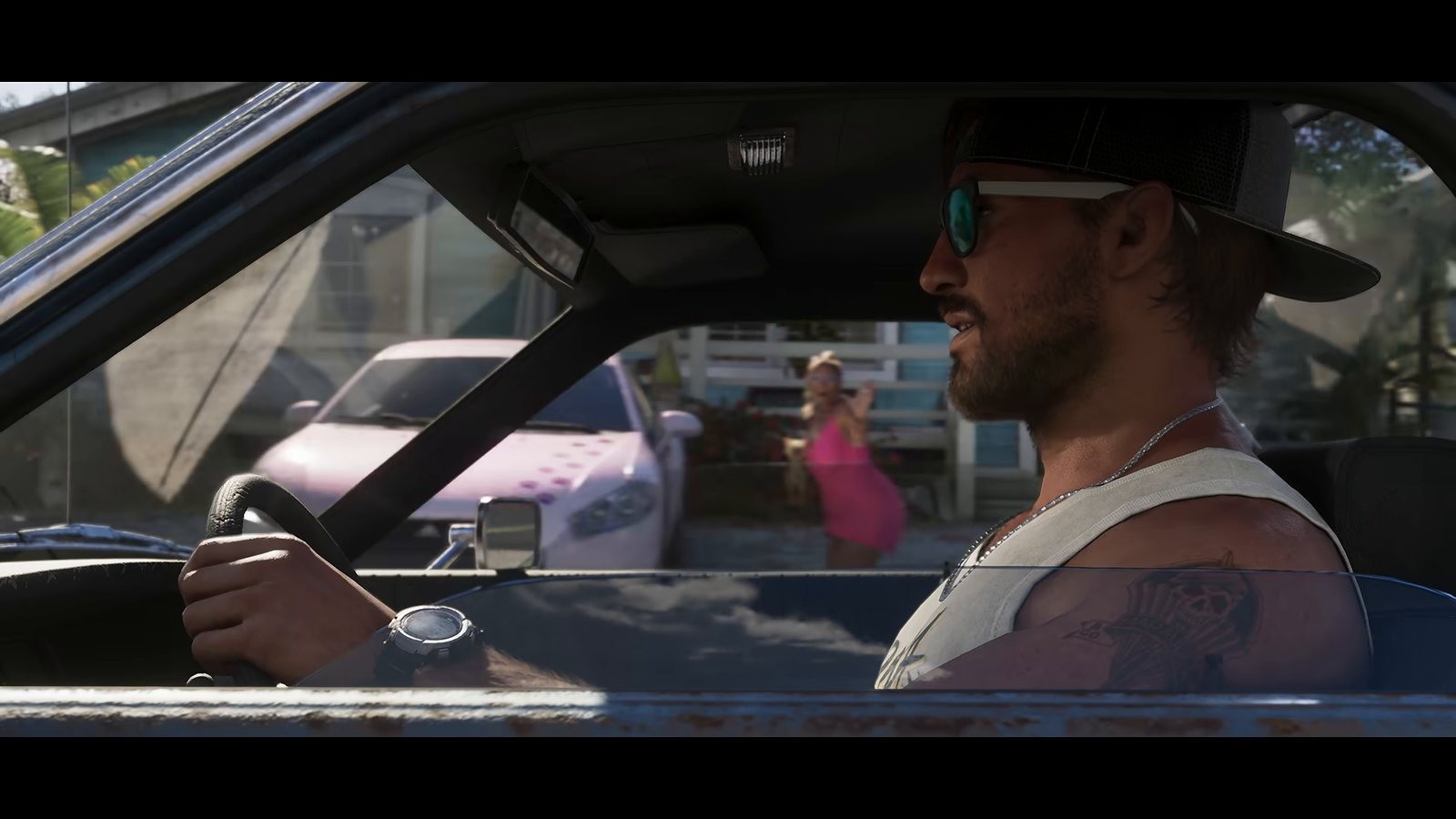
Guides
GTA 6 Beginner Tips: Your First 10 Hours Without Spoilers
What is confirmed. The console advice comes from PlayStation and Xbox support and from Rockstar Support. Nothing here describes in game mechanics, mission structure, progression or settings menus, because we are still working those out ourselves.
We have had the game running on two consoles since the New Zealand unlock, a PS5 and a Series X on the same shelf, and the two things that cost me time on launch night were both outside the game. The most useful GTA 6 beginner tips today are about storage, capture, audio and pacing, because the inside of the game is still being worked out by everybody at once and anyone telling you otherwise is guessing.
Key facts
- Confirmed: the game runs on PlayStation 5 and Xbox Series X|S only, per Rockstar Support.
- Confirmed: Rockstar Support states the install needs up to 212 GB of free space.
- Confirmed: both consoles have system level capture built into the controller, documented by PlayStation and Xbox support.
- In game settings, difficulty options, autosave behaviour, mission structure and progression are all things we are working out as we play. There is no official documentation to point you at.
- Rockstar has not announced a photo mode, and we have not found one in the menus.
- Every mission name, cheat code and collectible count going round today is somebody's reconstruction. Treat all of it as rumour for now.
Sort storage before you sort anything else
Rockstar Support quotes a requirement of up to 212 GB. On a base PlayStation 5 or a Series S that is a large slice of the drive, and the slowest part of launch day for most people is not the download, it is finding out mid download that there is no room. That was me at about eleven last night, moving two games off the PS5 while the clock ran down.
Delete or archive before you start rather than while the installer is running. On both consoles, moving a game to external storage is far faster than redownloading it later, so shift the big titles you are not playing this month rather than deleting them outright.
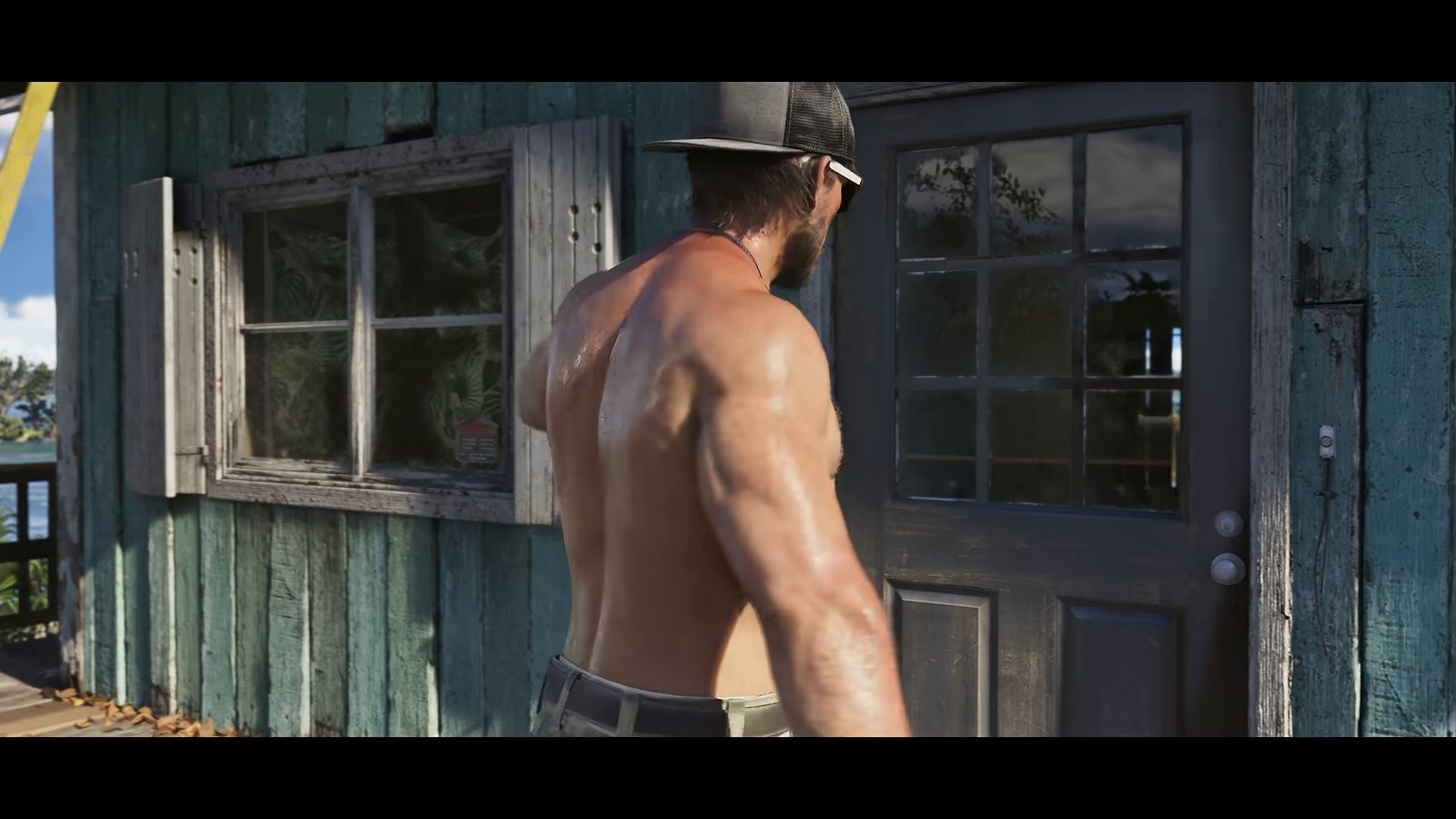
Set up capture before your first session, not after
This is the tip people regret ignoring, and I say that as someone who has ignored it before. The best moment of your first hour happens once, and the console will only have kept it if capture was already configured.
On PlayStation 5, the Create button on the DualSense controller opens a menu with Take Screenshot, Start New Recording and Save Recent Gameplay. Save Recent Gameplay is the one that matters, because the console is recording in the background while you play and you can keep anywhere from the last fifteen seconds up to an hour. PlayStation support also documents the shortcuts: a double tap saves the recent clip and a press held for about three seconds takes a screenshot, and you can change that behaviour in the capture settings between Standard, Easy Screenshots and Easy Video Clips.
On Xbox Series X|S, the Share button sits between View and Menu on the controller and handles both screenshots and clips, with the captures landing in your Xbox captures where they can be edited and uploaded.
Pick one scheme and commit to it for the whole playthrough. Running different setups on the two consoles for a night taught me that mixed habits mean half the good moments get saved as screenshots when you wanted video.
Audio, subtitles and display, in that order
Spend five minutes in the console settings before you load in. Set your display output properly, run the HDR calibration your console provides if you have an HDR screen, and check that audio output matches what you are actually listening on. A game built around nightlife and radio gets noticeably worse through a mismatched audio profile, and it took me an embarrassing while to work out why my first half hour sounded flat.
Turn subtitles on even if you do not normally use them. Driving dialogue is a GTA tradition, and you will miss a lot of it over engine noise while you are busy not crashing.
Pace yourself and protect the story
Launch day has a specific hazard beyond tiredness: spoilers travel faster than you play. Within hours of the first unlock, clips of later content were circulating with no warning attached. If you care about the story, mute the obvious keywords across your feeds for a week and stay away from video thumbnails from channels racing through the campaign.
The flip side is pacing. The temptation on day one is to rush the opening to get to the city. There is no scoreboard, and the parts of previous releases I actually remember were nearly always the detours. I spent forty minutes of my first session doing nothing but driving the coast road, and I would spend it again.
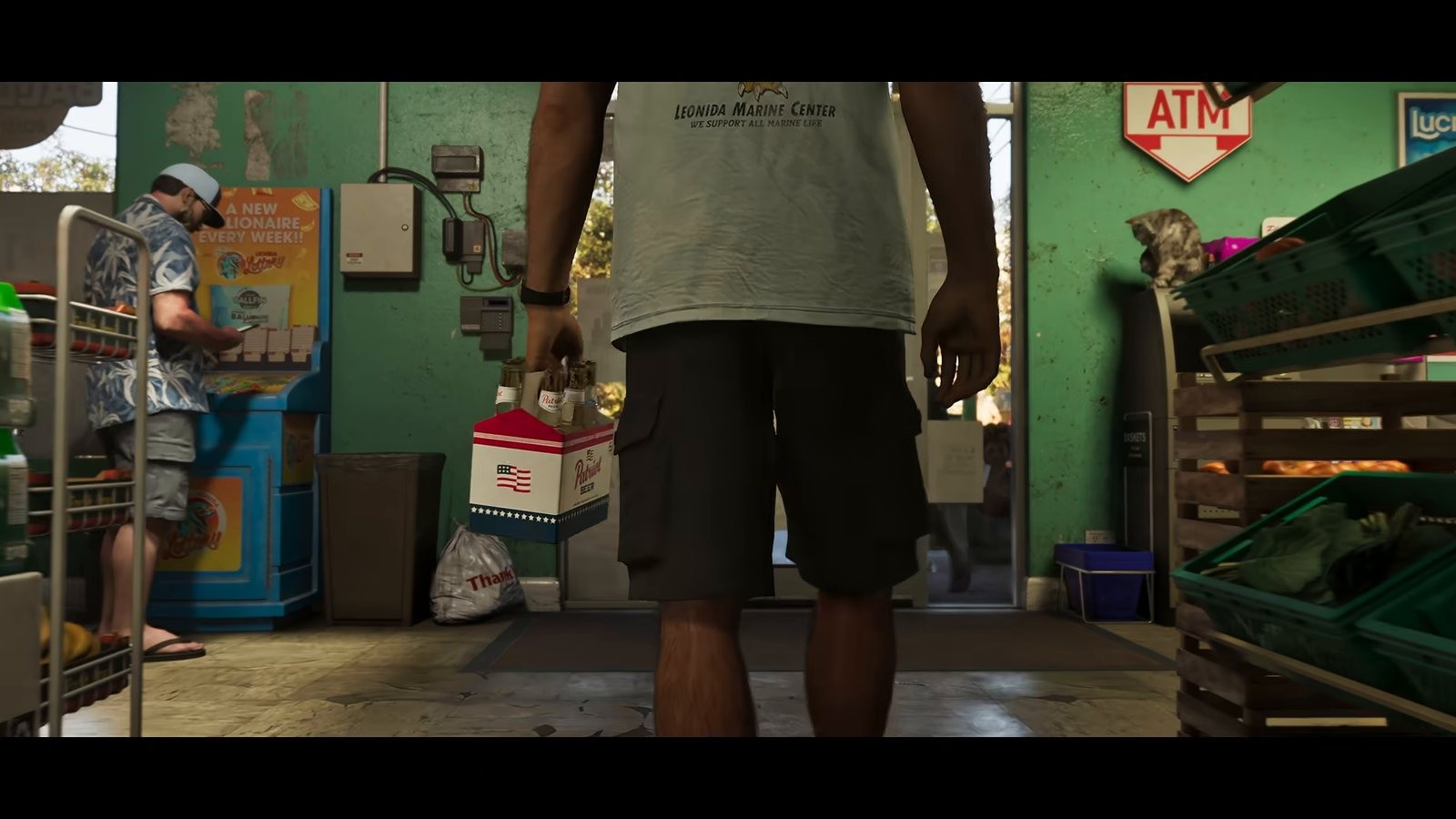
GTA 6 beginner tips for using the tools while you play
Keep the interactive map open on a phone or a second screen and mark things as you pass them. The collectibles tracker stores found state in your browser and exports to a file, which is the only sane way to track a long playthrough across sessions.
Both tools are updated daily from launch footage and both label their confidence, so treat them as a notebook filling in as the week goes on rather than a finished guide. If you are heading out to capture your own highlights, our guide to capture on PS5 and Xbox covers the button behaviour in detail.
Frequently Asked Questions
Does GTA 6 have a photo mode?
Not that we have found. I went through the pause menu, the phone and the settings in the first couple of hours and there is no photo mode option. Console screenshots work regardless, using the Create button on PlayStation 5 or the Share button on Xbox Series X|S.
How much storage should I free up?
Rockstar Support states up to 212 GB. Free more than that if you can, because install overhead and future updates both want headroom.
Should I follow a guide on day one?
For geography and capture, yes. For story, I would not. Nothing about mission structure is settled yet, so most day one walkthroughs are reconstructions from somebody else's footage.
How do I avoid spoilers in launch week?
Mute the game's name and the protagonists' names across your social feeds, avoid recommended video feeds entirely, and stay out of comment sections on any clip.
Not affiliated with, endorsed by or sponsored by Rockstar Games or Take-Two Interactive.
Sources
- support.rockstargames.comhttps://support.rockstargames.com/articles/4QfG4FmZCf5W1gS8jy4UVT/grand-theft-auto-vi-platform-editions-and-versions
- support.rockstargames.comhttps://support.rockstargames.com/articles/29jV3Cv2cCgvwM1XgtMO5o/grand-theft-auto-vi-regional-pre-load-and-release-times-on-playstation-5-and-xbox-series-x-or-s
- playstation.comhttps://www.playstation.com/en-us/support/games/capture-ps5-gameplay-screenshots/
- support.xbox.comhttps://support.xbox.com/en-US/help/friends-social-activity/share-socialize/capture-game-clips-and-screenshots
- rockstargames.comhttps://www.rockstargames.com/VI
Related posts
 GuidesLaunch
GTA 6 Cheats and Codes: I Tried the Old Ones, Nothing
There are no GTA 6 cheats yet. I tried the old Grand Theft Auto V button combinations and phone numbers, got nothing, and here is how to spot a fake list.5 min read LaunchGuides
GTA 6 Launch Day: What Is Confirmed on PS5 and Xbox
GTA 6 launch day is here and I took it off work. What Rockstar has confirmed on platforms, the midnight unlock, install size and pre-load, plus what is open.6 min read LaunchGuides
GTA 6 Release Time by Region: Every Unlock Hour in UTC
GTA 6 release time by region, converted to UTC for every major time zone, why New Zealand unlocked first, and how to check the exact hour on your console.5 min read