Map
GTA 6 Interactive Map: How to Use Layers and Markers
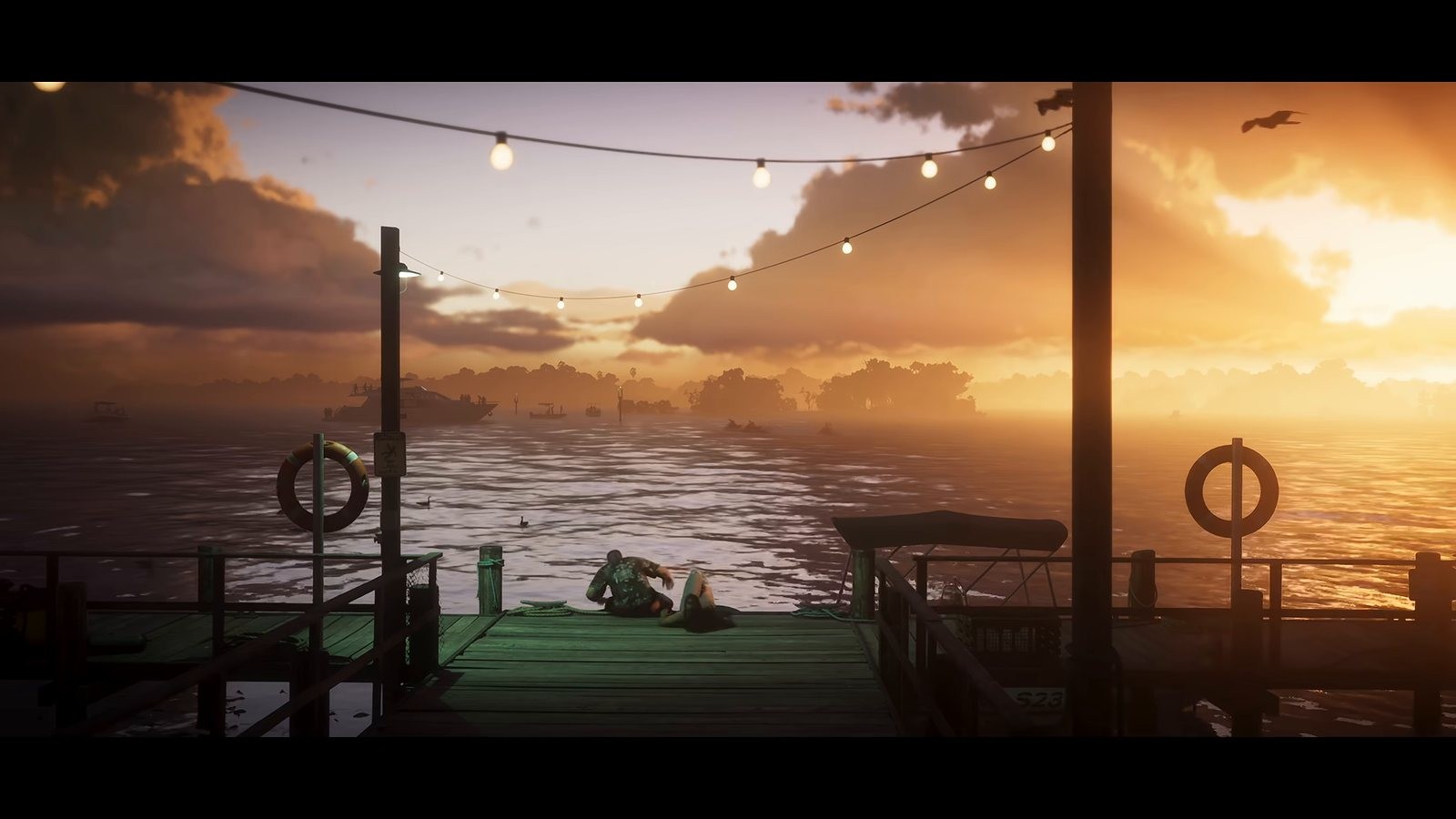
What is confirmed. Our map tool is described from the live build, and the setting of Vice City in the state of Leonida comes from Rockstar. Map size, district names and marker totals are things nobody has shown us, so we publish none of them.
I have been using our own map the way I want you to use it, propped on a phone next to the controller, turning layers off until only the one I care about is left. The GTA 6 interactive map is a layered, zoomable map of Leonida that you can filter, mark as you play, and share by link, and we are updating it daily from launch footage rather than presenting it as a finished dataset.
Key facts
- Confirmed: the game is set in Vice City within the state of Leonida, per Rockstar's official game page.
- Confirmed: our map is live now, and it currently holds example rows alongside a small number of markers we can back up.
- Confirmed: found state is stored in your own browser, so nothing is tied to an account and nothing is uploaded.
- Confirmed: every marker carries a source and a confidence label.
- Nobody has published a real map size, a full district list or a total count for any collectible type, so you will not find those numbers here yet.
- We do not know whether any region opens up with story progress, which would change how the map should be read early on.
Start with layers, not with the whole map
The first thing to do is turn things off. A map with every category enabled is unreadable on a phone and only slightly better on a desktop. Each category has its own layer, and layers remember their state between visits.
The pattern that works during a first playthrough is one or two layers at a time. If you are driving the coast looking for vehicle spawns, run the vehicle layer alone. If you are clearing an area, run the single collectible layer you are working on. Everything else is noise you will read later anyway.
Marking things as found
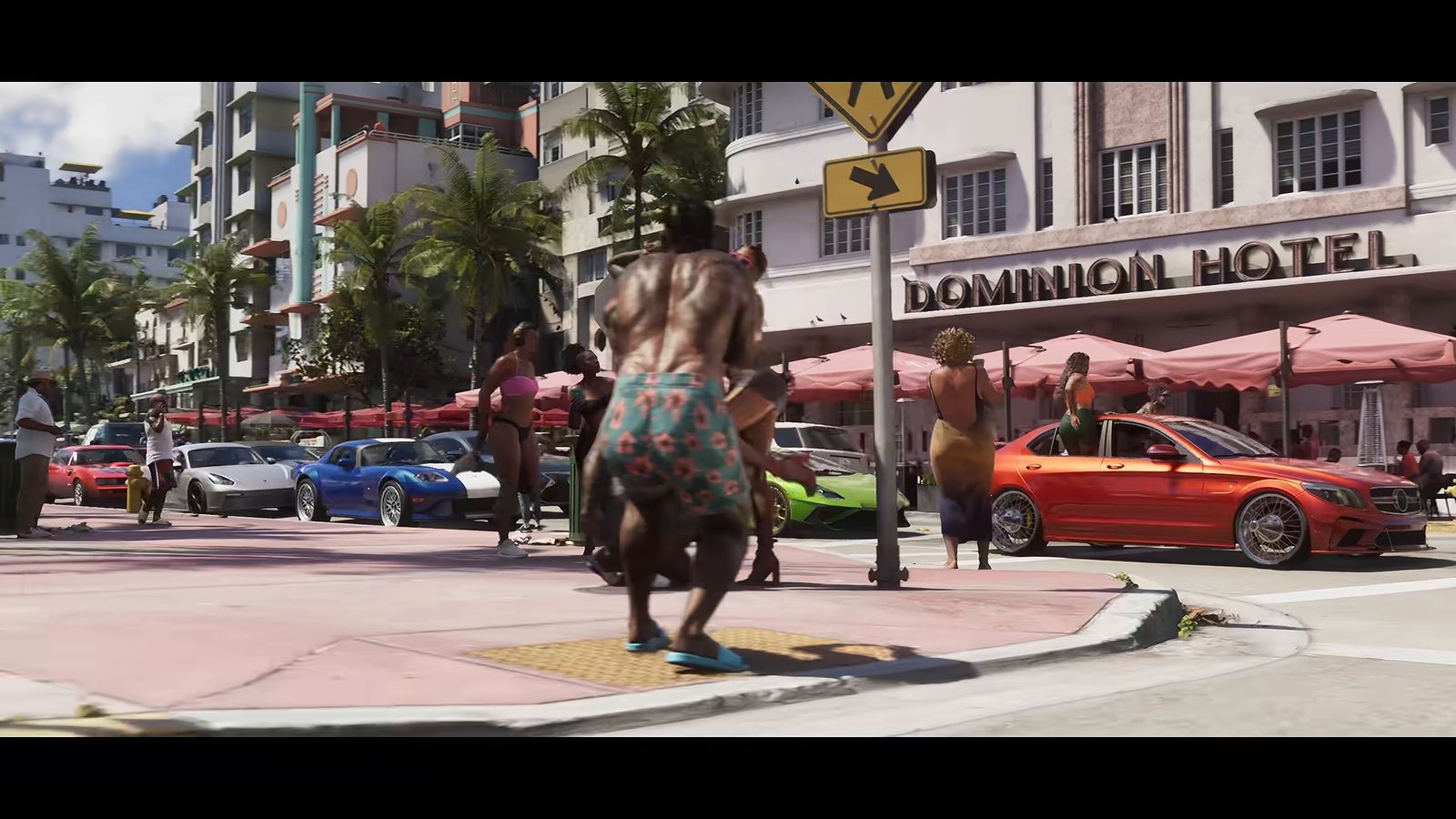
Click a marker and it flips to found. Found markers dim rather than disappear, because a disappearing marker makes it impossible to tell whether you cleared an area or the map simply never had anything there. I have used trackers that hide what you tick and it is maddening an hour later.
That state lives in your browser's local storage. There is no login, which has one good consequence and one bad one. The good one is that we never hold your progress and you never hand us an account. The bad one is that clearing site data wipes it, and the state does not follow you to another device on its own. The collectibles tracker handles the same state with an export and import file for exactly that reason, and the map reads the same store.
Sharing a position by link
Pan and zoom, then copy the URL. The map writes the centre coordinate, the zoom level and the active layers into the address, so a link you send to someone opens on the same view with the same filters rather than dumping them on the default position.
That is the fastest way to answer a question in a chat thread. Instead of describing a junction, you send the pin. It is also how we want corrections reported, because a link takes the ambiguity out of a description.
How to send a correction
Every marker has a report control. It opens a short form that captures the marker identifier, your pinned link and a free text note. What helps us most, in order, is a screenshot with the in game minimap visible, a timestamped link to public footage, and a plain description of where the thing actually is.
What we cannot use is anything from a leak or a datamine. We do not accept it, we do not publish it, and a correction sourced that way gets rejected even if it turns out to be right. That rule costs us speed in week one and buys us a map that does not quietly fill with material we cannot stand behind.
Corrections we accept go live with their confidence label set from the evidence supplied. A marker backed by an official image becomes confirmed. One backed by a single piece of player footage usually starts at likely.
How to read the GTA 6 interactive map honestly
A confirmed marker means an official source or a clear piece of public footage puts the thing in that place. Likely means the position is right but the detail around it is still thin. The third label, the one most markers carry today, means something is probably there, we want it visible while we check, and you should not plan a drive around it.
The map is a work in progress on launch day and will stay that way for weeks. Treat district level geography as reasonably solid early, treat exact positions as provisional, and assume any count is missing until it appears with a source next to it.
For the wider context on what Rockstar has actually shown of the state, our guide to what is confirmed about Leonida covers the official record. The vehicle database follows the same sourcing rules in a different shape.
Frequently Asked Questions
Is the GTA 6 interactive map complete?
No. It launched with example rows plus the markers we can back up, and we update it daily from launch footage. Completeness is weeks away, and I would rather say so than pad it out with guesses.
Does my found progress sync between devices?
Not automatically. Progress is stored in your browser. Use the export file in the collectibles tracker to move it, or to keep a backup before clearing site data.
Do I need an account?
No. There is no login and no stored profile. That also means we cannot restore your progress if the browser data goes, so export it if it matters to you.
How do I report a marker in the wrong place?
Use the report control on the marker, include your pinned share link, and add a screenshot or a timestamped link to public footage. Leaked or datamined sources are not accepted.
Not affiliated with, endorsed by or sponsored by Rockstar Games or Take-Two Interactive.
Sources
- rockstargames.comhttps://www.rockstargames.com/VI
- rockstargames.comhttps://www.rockstargames.com/newswire/article/39ak81277255o9/explore-the-grand-theft-auto-vi-launch-gallery
- support.rockstargames.comhttps://support.rockstargames.com/articles/4QfG4FmZCf5W1gS8jy4UVT/grand-theft-auto-vi-platform-editions-and-versions
- gta.fandom.comhttps://gta.fandom.com/wiki/Grand_Theft_Auto_VI
Related posts
 CollectiblesTrackers
GTA 6 Collectibles Tracker: How the Checklist Works
How the GTA 6 collectibles tracker works: why it ships with no counts on day one, how found state is stored in your browser, and how to export your progress.5 min read MapGuides
GTA 6 Map: What Is Confirmed About Leonida and Vice City
The GTA 6 map covers Vice City and the state of Leonida. Here is what Rockstar has actually shown, what we can verify from footage, and what has no number yet.5 min read GuidesTrackers
GTA 6 Trophies and Achievements: What Is Known Today
GTA 6 trophies and achievements on launch day: where the real lists appear on PS5 and Xbox, why we are not reprinting leaked lists, and what we will track.5 min read