Clips
GTA 6 Best Moments to Clip in Launch Week for Creators
What is confirmed. The capture behaviour here comes from PlayStation and Xbox support, and the launch platforms from Rockstar Support. The moment types are patterns we have watched in public launch footage, and we name no mission, place or mechanic.
I came out of my first long session with thirty one saved clips and about six worth keeping, and the six were not the ones I thought they would be. The GTA 6 best moments to clip this week are not the spectacular ones, they are the short reactive ones: an argument, a stunt that fails, a stranger behaving strangely, each under thirty seconds and each understandable to someone who has never played the game.
Key facts
- Confirmed: capture is built into both launch consoles, with the Create button on PlayStation 5 and the Share button on Xbox Series X|S.
- Confirmed: PlayStation 5 records continuously in the background, so a moment you did not plan can still be saved from the last fifteen seconds up to an hour.
- Confirmed: there is no PC version at launch, so everyone is working from console capture and the same quality ceiling.
- Mission names, location names and any mechanic you see in player footage are still open questions. Describe what you can see rather than naming it.
- Rockstar has not published anything on how it will treat story spoilers in creator content this week, so there is no policy to point you at.
- Nobody has said anything specific about monetisation for this title. Platform rules still apply as normal.
The GTA 6 best moments to clip, by type
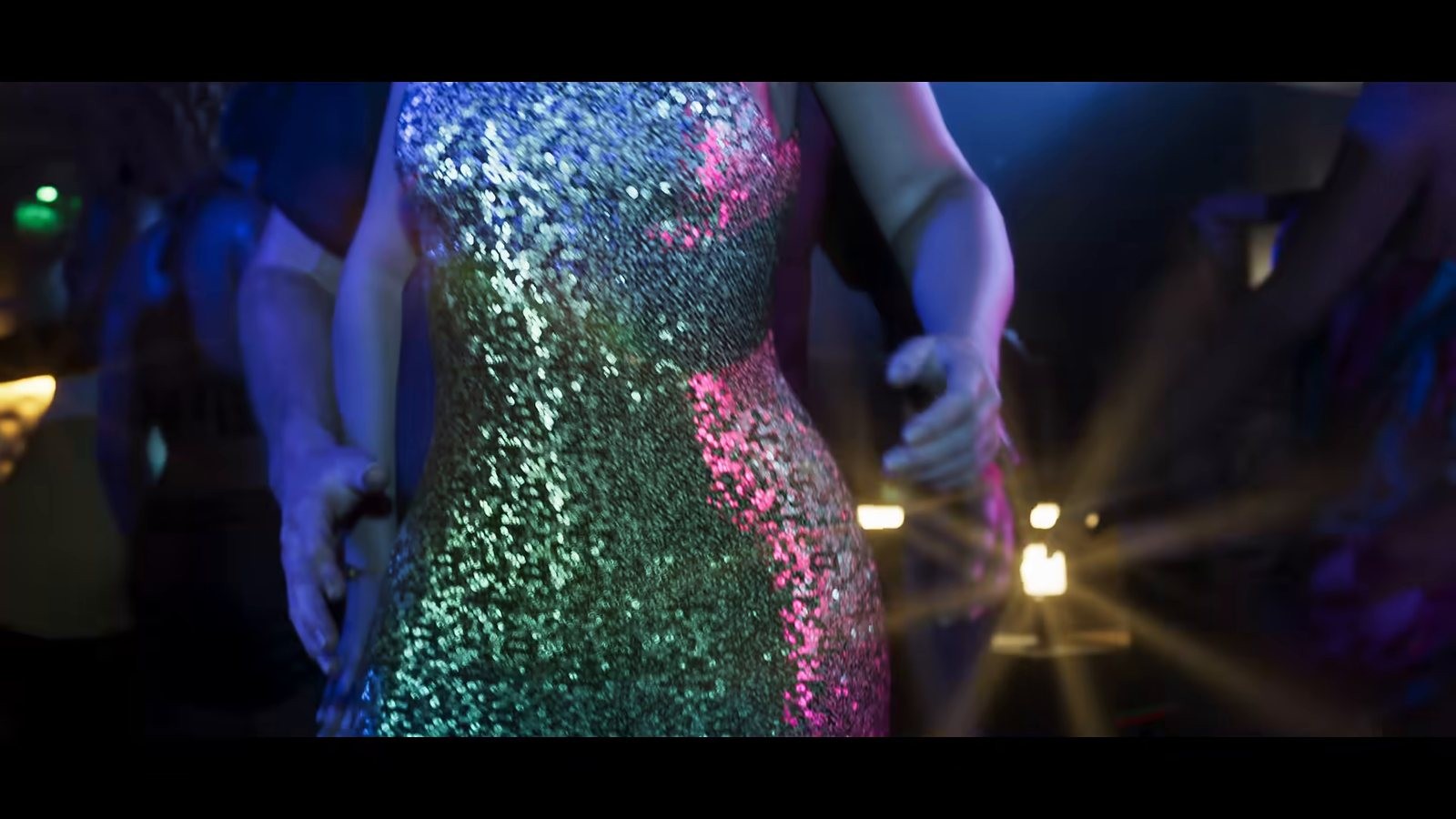
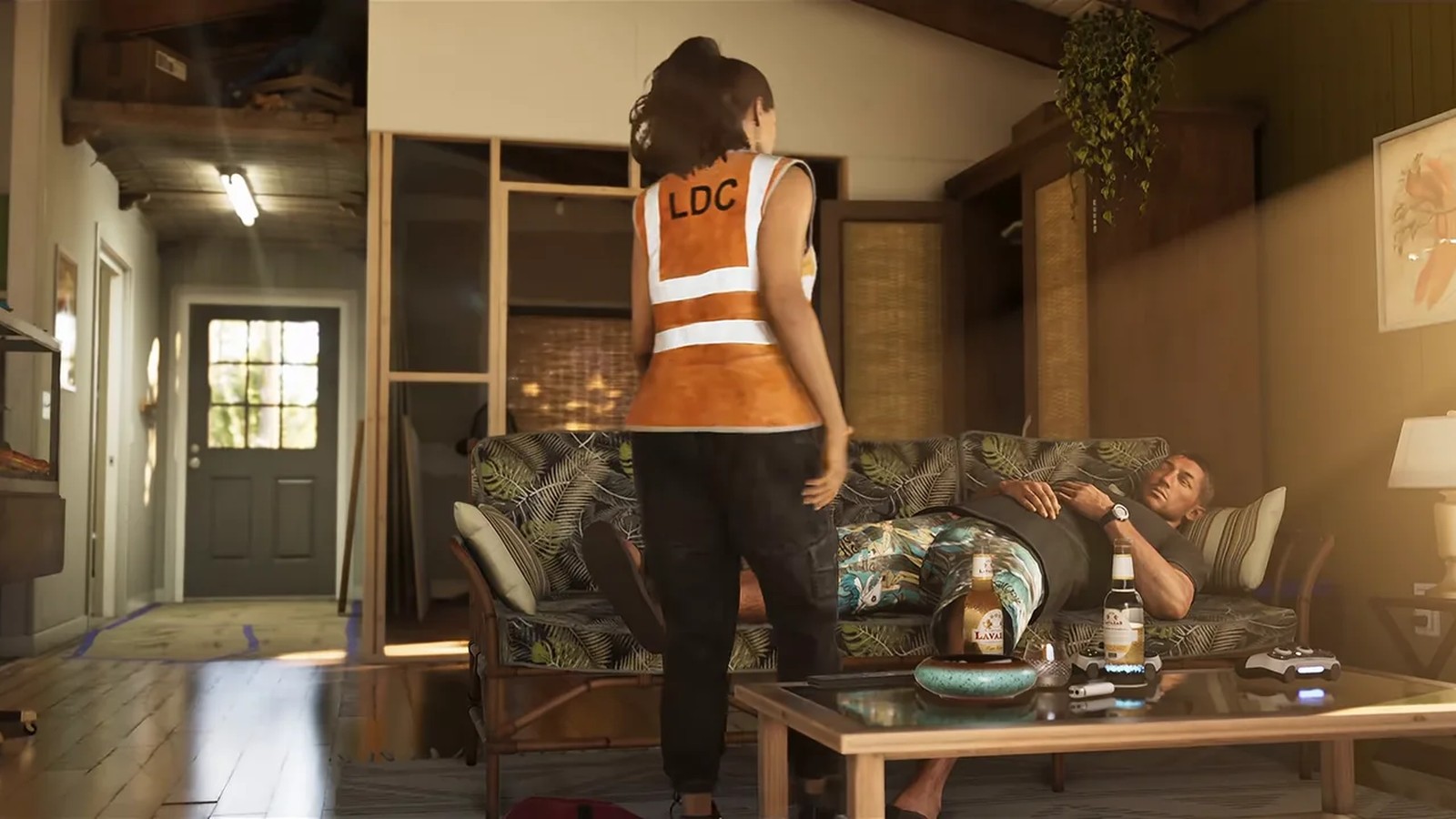
The first is the argument. Dialogue between characters who are annoyed with each other is the most reliably shareable thing in an open world game, because it needs no context and no gameplay literacy to land.
The second is the failed attempt. A jump that comes up short, a chase that ends in a hedge. Failure is funnier than success and it is quicker to set up. My best clip of the day is me missing a turn entirely, which tells you something.
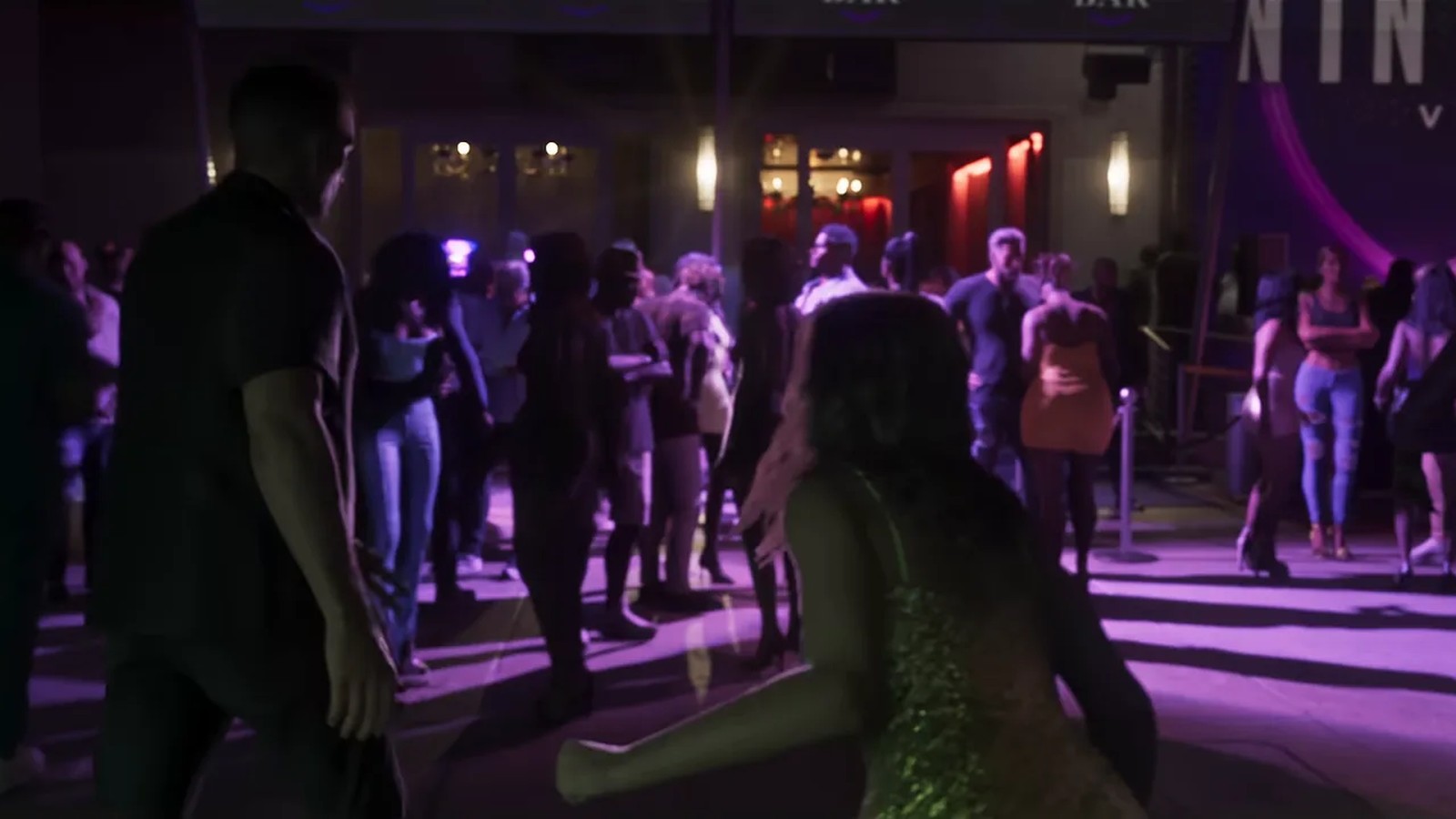
The third is the stranger encounter. Anything a passer by does that looks like a decision rather than a script. These clips carry the whole genre.
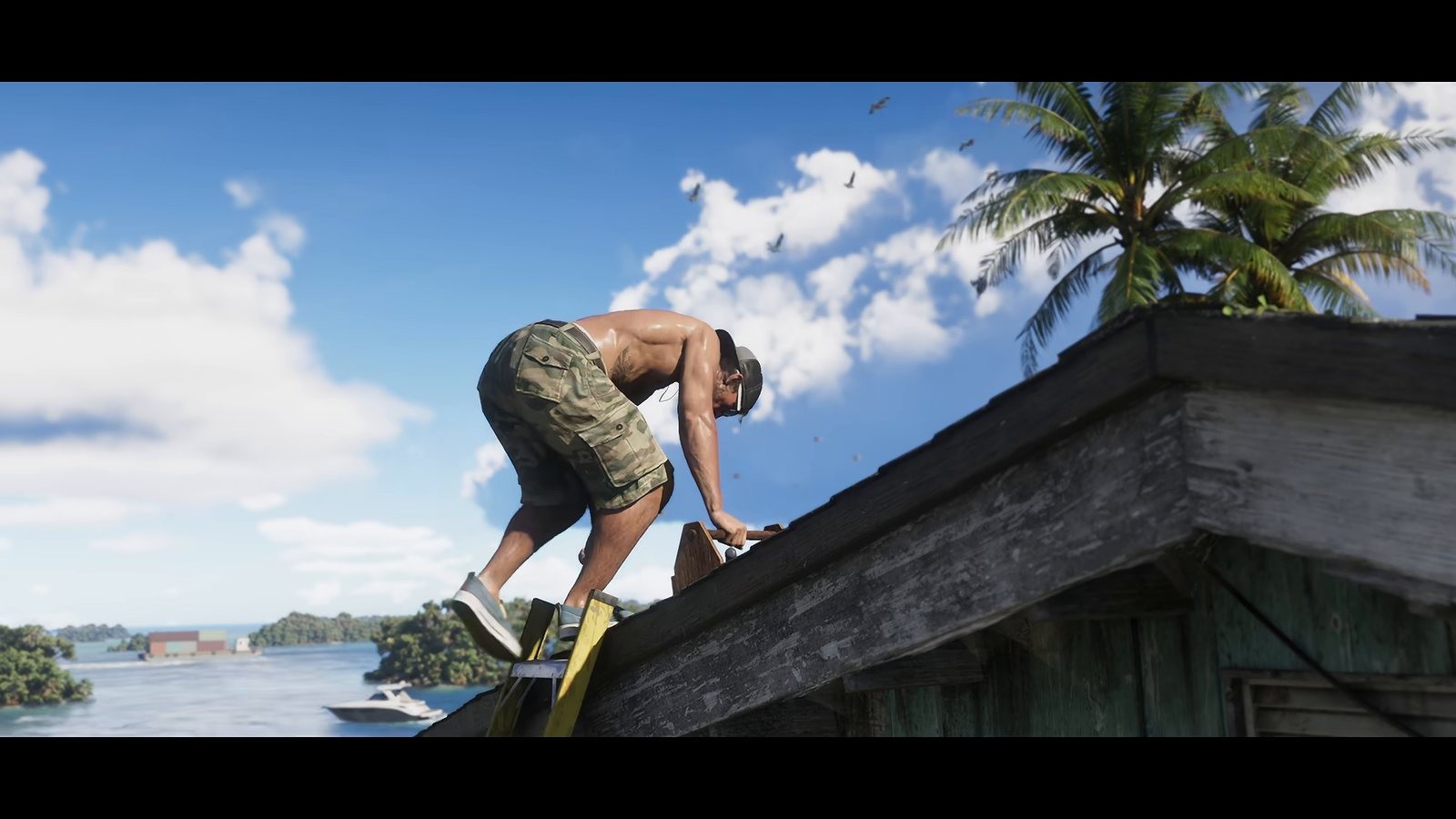
The fourth is the environment reveal, which is the one case where a wide beautiful shot works. Coastline at the right hour, the skyline from a bridge, weather rolling in. Keep it under ten seconds.
The fifth is the near miss, where something goes wrong and recovers in the same breath. The sixth is the quiet one nobody posts: a shop interior, a radio moment, a small piece of world detail. Those are the clips that still get views in week three when the chase footage has saturated.
Capture habits that save you a day
Leave the rolling buffer on and set it long. On PlayStation 5, Save Recent Gameplay reaches back through what the console already recorded, which means the only clips you lose are the ones you were too slow to think about. Double tapping Create is faster than opening a menu, and over a week it is the difference between forty saved moments and twelve.
On Xbox Series X|S, capture with the Share button and let the clips upload to the network, which puts them on your phone without a cable. Both routes are documented by the platform holders and both are more reliable than a capture card you have not tested.
Name nothing and sort nothing while you play. Capture, keep playing, sort at the end of the session. I broke that rule twice on launch night and both times I came back to the game having lost the thread of what I was doing.
Cutting and captioning for vertical
Most of these clips will be watched on a phone with the sound off, which sets three rules. Open on the moment rather than on the approach, because there is no patience for a build up. Put the dialogue on screen, because muted viewing is the default. Keep it under thirty seconds unless the payoff genuinely needs longer.
Transcribing and captioning by hand is the slowest part of the whole loop, which is why most people stop doing it by day three. If you want that part automated, Tapescribe has a GTA 6 clipping workflow that turns a long session recording into captioned vertical cuts, which is the same shape of job every creator is doing manually this week.
Spoilers, credit and the boring rules
Two things will cost you more than a bad edit. The first is spoiling story content in a thumbnail or a title during launch week, which turns a growing audience into an annoyed one. Put a warning on anything past the opening hours and keep story beats out of titles. I have unfollowed two channels already this week for exactly that.
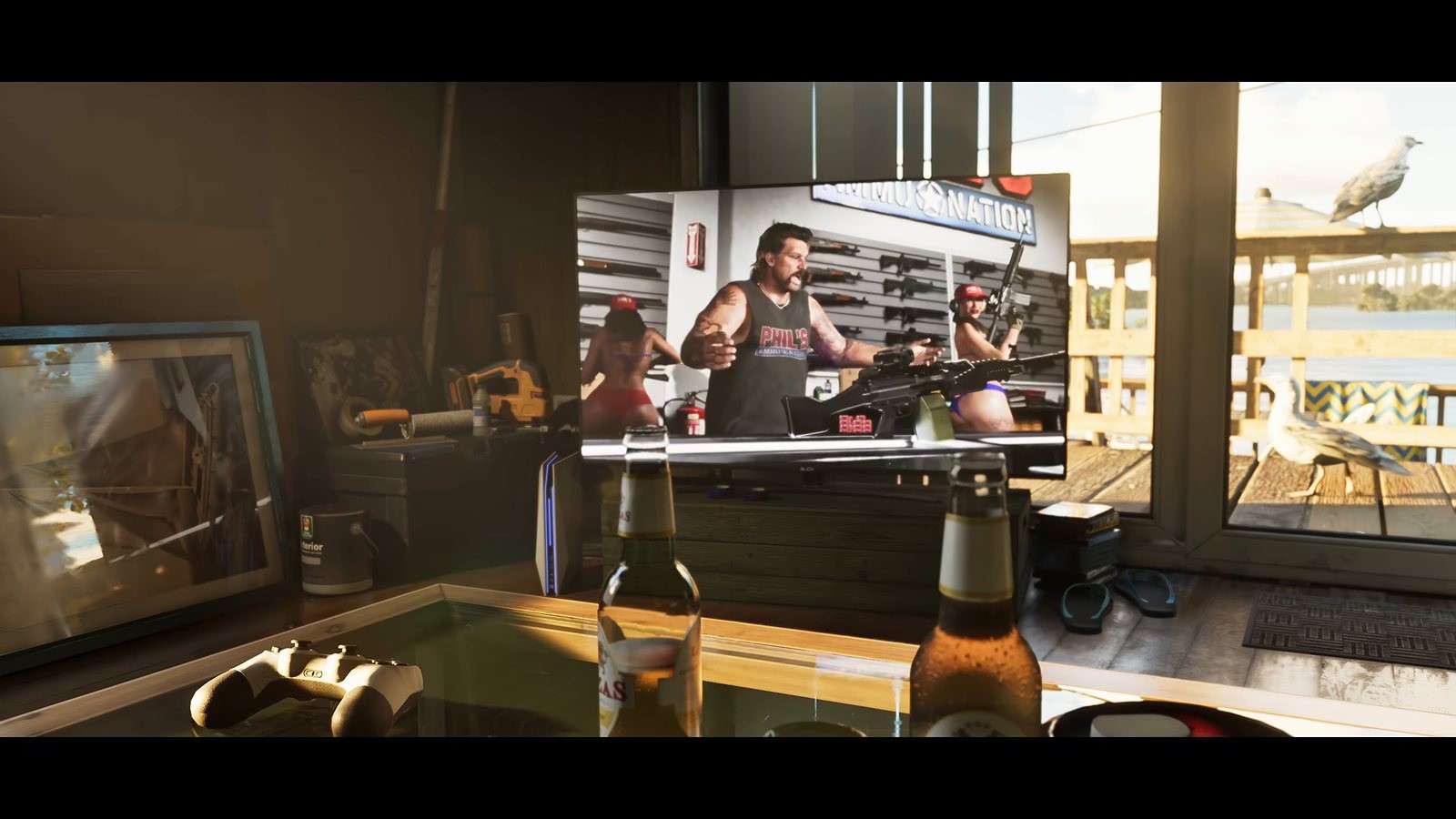
The second is credit. If you are building a compilation from other people's footage, name the source in the caption, not in a pinned comment nobody reads. The gameplay clips embedded above are credited to AFGuidesHD on YouTube for exactly that reason.
If you are packaging anything for sale this week, from preset packs to a clipping course, SellRamp lists what is actually selling around GTA 6 which is a faster read than guessing at demand.
For locations worth filming, the interactive map is updated daily from launch footage, and the mission pages carry a spoiler policy that makes them safe to open on stream. Our capture guide for PS5 and Xbox covers the button behaviour in full.
Frequently Asked Questions
What length should a GTA 6 clip be?
Under thirty seconds for a reactive moment and under ten for a scenery shot. Longer cuts need a payoff that justifies the wait, and most launch week clips do not have one.
Can I clip story missions in launch week?
You can, but mark it as a spoiler and keep the detail out of titles and thumbnails. Launch week audiences are unusually sensitive to this.
Do I need a capture card?
No. Both consoles capture natively and upload to a phone. A capture card helps if you are streaming, not if you are clipping.
How do I credit footage I did not record?
Name the creator and the platform in the visible caption, not only in a comment. If they have asked for no reuse, do not use it.
Not affiliated with, endorsed by or sponsored by Rockstar Games or Take-Two Interactive.
Sources
- playstation.comhttps://www.playstation.com/en-us/support/games/capture-ps5-gameplay-screenshots/
- support.xbox.comhttps://support.xbox.com/en-US/help/friends-social-activity/share-socialize/capture-game-clips-and-screenshots
- support.rockstargames.comhttps://support.rockstargames.com/articles/4QfG4FmZCf5W1gS8jy4UVT/grand-theft-auto-vi-platform-editions-and-versions
- rockstargames.comhttps://www.rockstargames.com/newswire/article/39ak81277255o9/explore-the-grand-theft-auto-vi-launch-gallery
- rockstargames.comhttps://www.rockstargames.com/VI
Related posts
 GuidesLaunch
GTA 6 Cheats and Codes: I Tried the Old Ones, Nothing
There are no GTA 6 cheats yet. I tried the old Grand Theft Auto V button combinations and phone numbers, got nothing, and here is how to spot a fake list.5 min read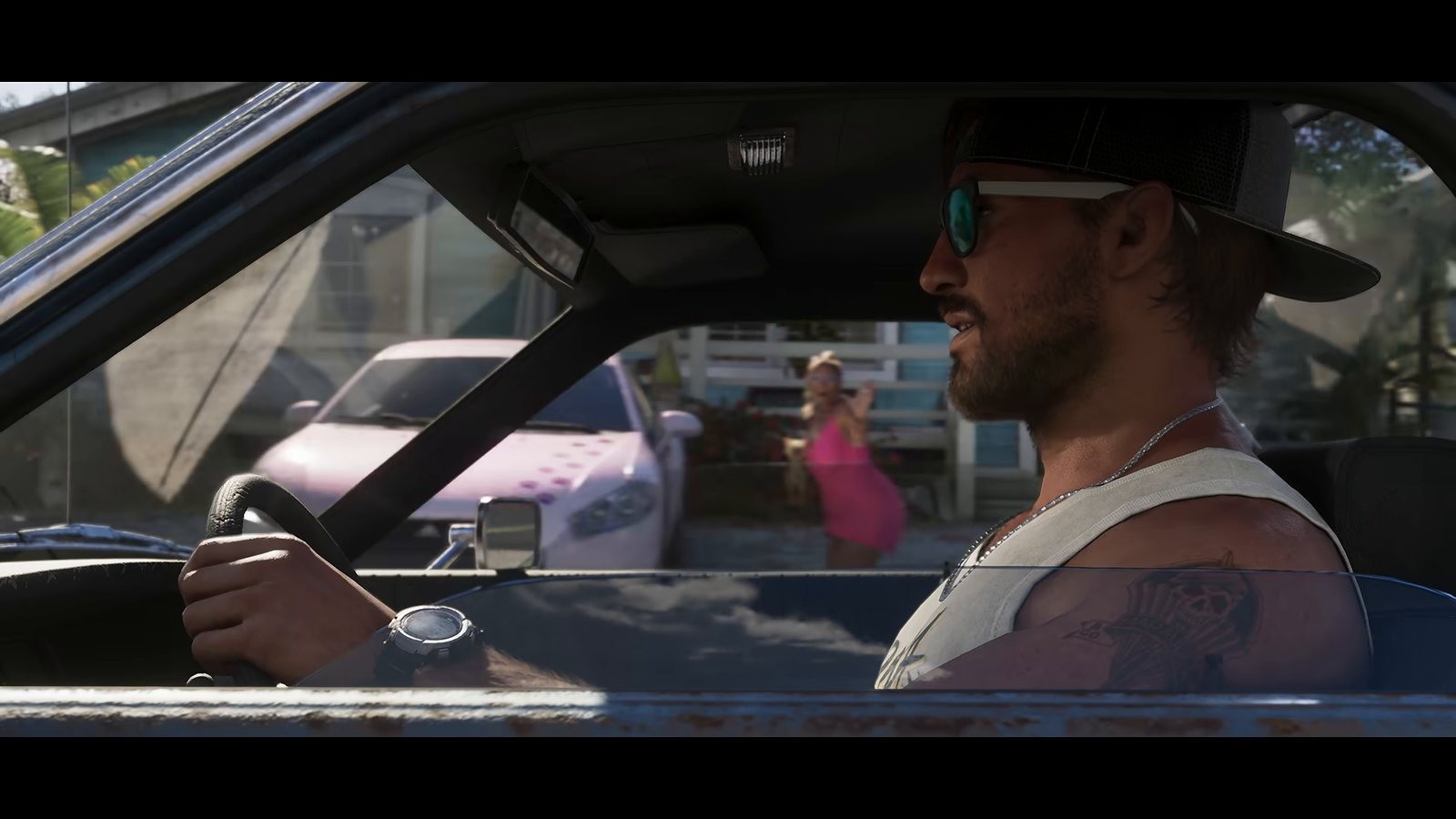 GuidesLaunch
GTA 6 Beginner Tips: Your First 10 Hours Without Spoilers
GTA 6 beginner tips for your first 10 hours that do not spoil anything: console settings, capture setup, storage, saving habits, pacing and avoiding leaks.5 min read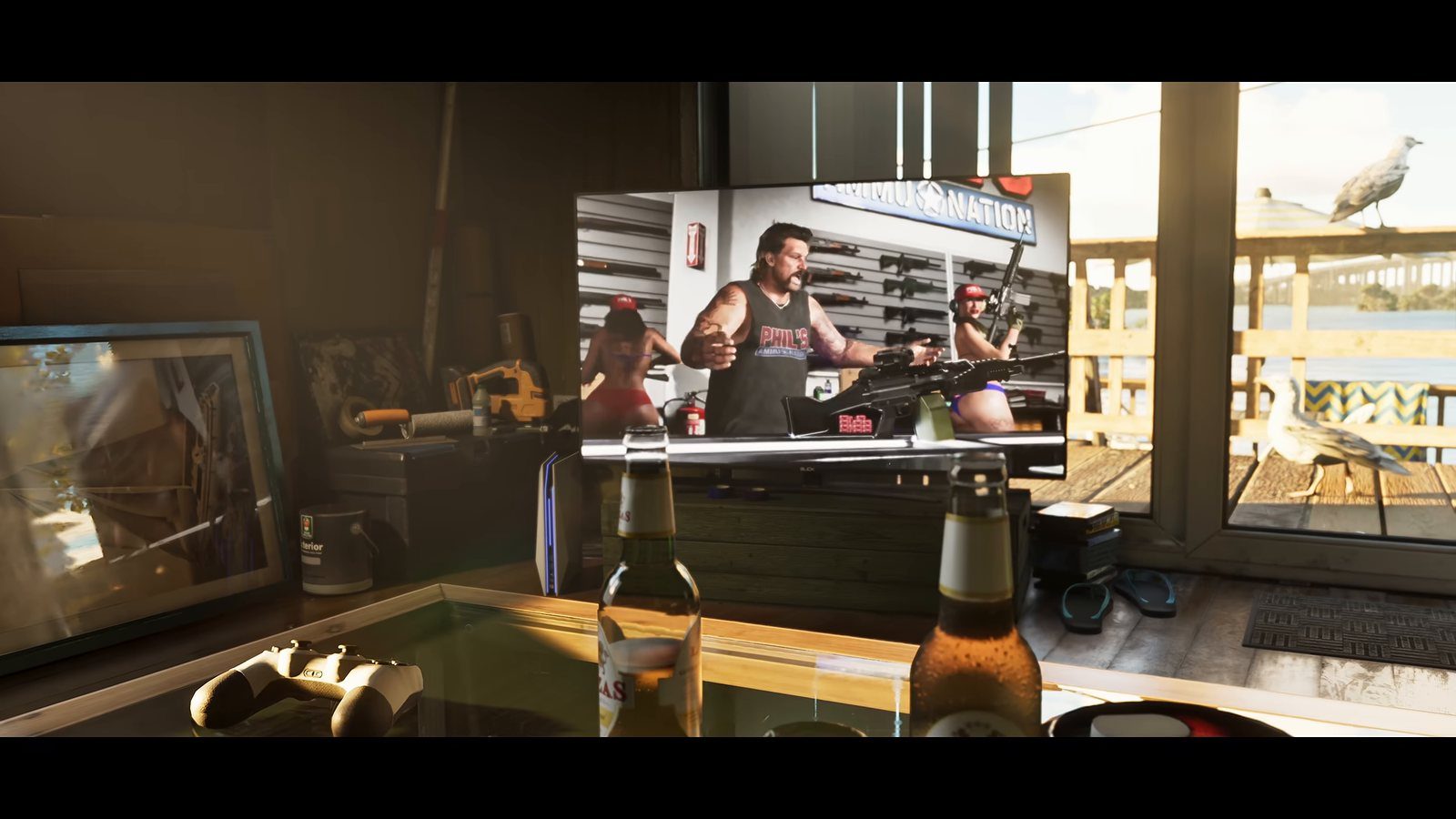 LaunchGuides
GTA 6 Launch Day: What Is Confirmed on PS5 and Xbox
GTA 6 launch day is here and I took it off work. What Rockstar has confirmed on platforms, the midnight unlock, install size and pre-load, plus what is open.6 min read