$17 from SellRamp
GTA 6 Streaming Setup Guide: PS5 and Xbox to Twitch, Kick and YouTube
This GTA 6 streaming setup guide gets you live on launch night from a PS5 or Xbox Series X|S, and shows you how to turn that broadcast into short clips the next morning. Grand
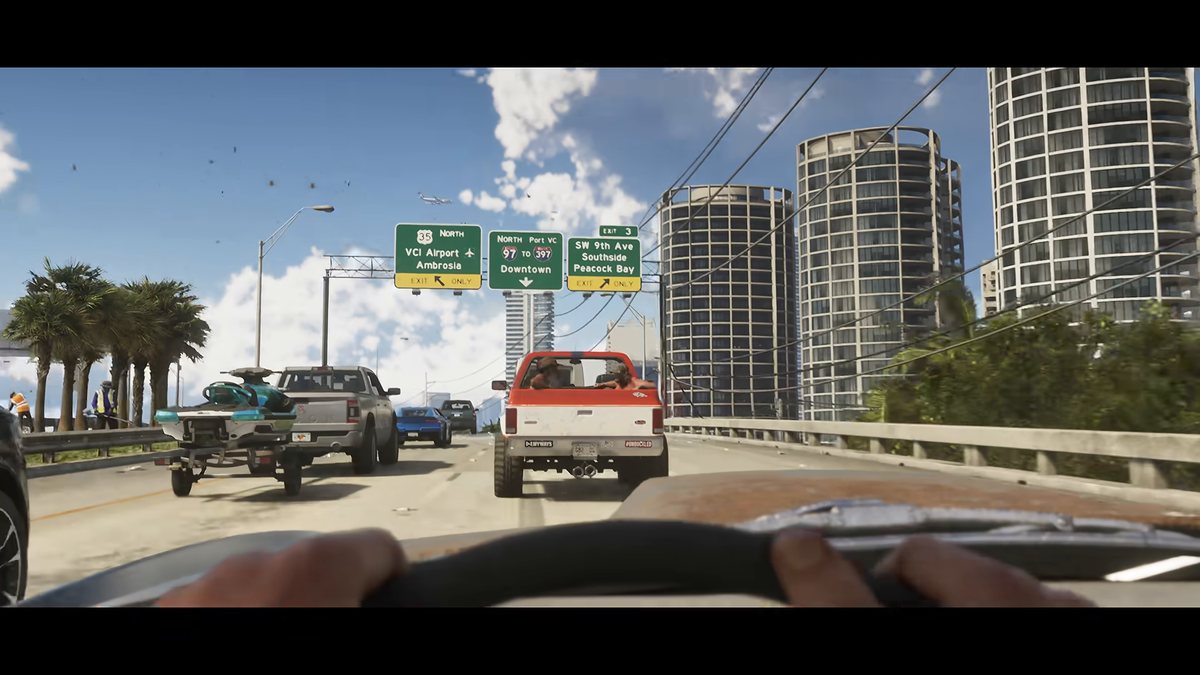
What you get
- A route comparison table: native console streaming versus a capture card, scored on cost, control, overlays, audio, latency, clip quality and setup time
- Menu paths for PS5 and Xbox broadcast, plus capture card wiring, starting encoder settings and the power-on order
- Overlay safe-zone measurements so your alerts survive a 9:16 vertical crop
- Audio levels, a radio setting that keeps you clear of music claims, and a sixty second pre-stream audio check
- Spoiler-safe title patterns, tags and starting, ending and offline screen text
- Live capture button reference and a one-line moment log
- A morning-after clipping workflow plus go-live and post-stream checklists
A download in the library the checkout makes for you, plus the same link by email.
The full description
SellRamp's own copy for this product, as it appears in its catalogue. We have not rewritten it to sell it harder.
This GTA 6 streaming setup guide gets you live on launch night from a PS5 or Xbox Series X|S, and shows you how to turn that broadcast into short clips the next morning. Grand Theft Auto VI releases Thursday 19 November 2026, and on day one every streamer in the category is fighting for attention. This pack makes your setup decisions for you so you can test once, go live and spend launch week playing instead of fixing settings. It covers both routes. You can broadcast straight from the console menu to Twitch or YouTube, or you can run a capture card into a computer to stream on Twitch, Kick and YouTube with full control over your overlays and audio.
What's inside
- A route comparison table: native console streaming versus a capture card, scored on cost, control, overlays, audio, latency, clip quality and setup time
- Menu paths for PS5 and Xbox broadcast, plus capture card wiring, starting encoder settings and the power-on order
- Overlay safe-zone measurements so your alerts survive a 9:16 vertical crop
- Audio levels, a radio setting that keeps you clear of music claims, and a sixty second pre-stream audio check
- Spoiler-safe title patterns, tags and starting, ending and offline screen text
- Live capture button reference and a one-line moment log
- A morning-after clipping workflow plus go-live and post-stream checklists
Who it's for: console players who want to stream GTA 6 from launch night and turn every broadcast into clips with as little friction as possible.
Clipping tool we recommend: Tapescribe, via our link https://tapescribe.com/clips/gta-6?ref=sellramp.
Checkout runs on SellRamp, which is ours, without leaving this page. Cards are handled by Stripe and we never see the number.
Goes with it
$9
AI Prompts Pack for GTA 6 Clip Captions, Hooks and Descriptions
GTA 6 clip AI prompts that write every word around your footage, so you spend your time capturing and not staring at an empty caption box. Grand Theft Auto VI launches Thursday 19
Buy for $9
$9
Copyright-Safe GTA 6 Clipping: Rockstar Policy, Music Claims and Spoiler Strikes
GTA 6 copyright safe clipping starts with knowing which rules apply to you before you upload. This pack explains Rockstar's fan video policy in plain English and shows why
Buy for $9
$12
GTA 6 Hooks, Captions and Hashtag Pack (200+ lines)
GTA 6 hooks and captions, ready to copy and paste the moment Grand Theft Auto VI lands on PlayStation 5 and Xbox Series X|S on Thursday 19 November 2026. This swipe file holds 198
Buy for $12