$9 from SellRamp
Copyright-Safe GTA 6 Clipping: Rockstar Policy, Music Claims and Spoiler Strikes
GTA 6 copyright safe clipping starts with knowing which rules apply to you before you upload. This pack explains Rockstar's fan video policy in plain English and shows why
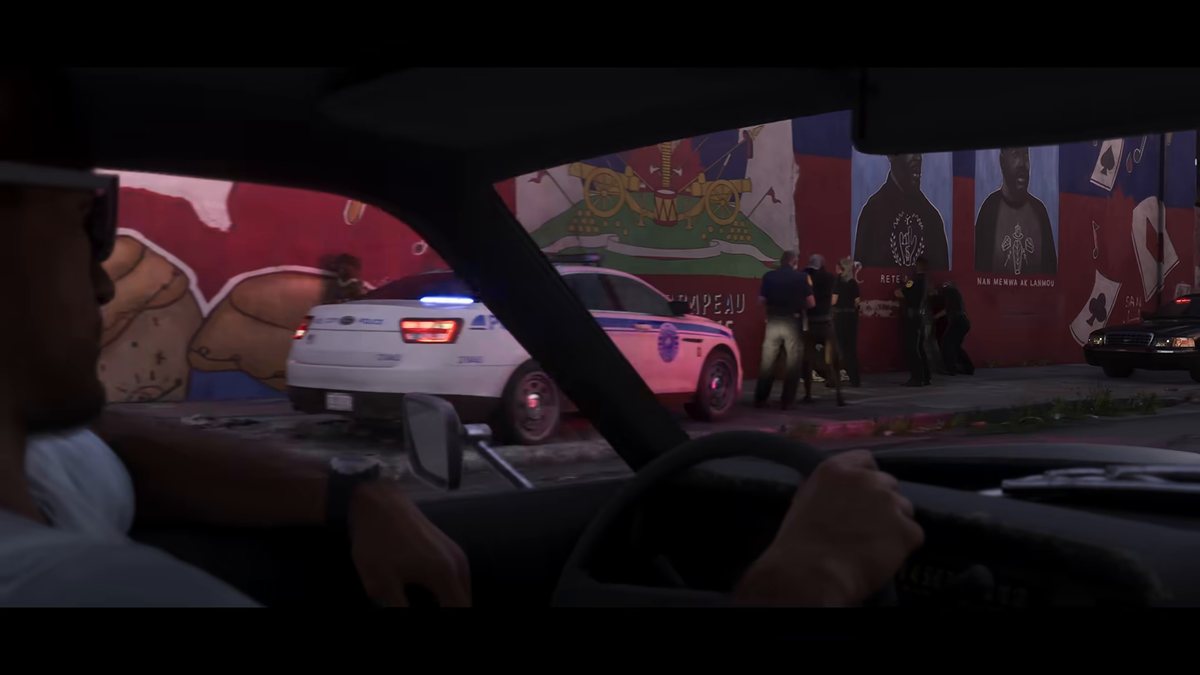
What you get
- A breakdown of the three separate rule systems every clipper faces, and why passing one does not clear the other two
- Rockstar's four takedown categories explained in practical terms, each paired with a safe clip type you can post instead
- Steps to prevent music claims before you record, and to repair claimed clips by trimming, muting ranges or replacing audio
- Launch window spoiler rules for titles, thumbnails, labels and the clip types to hold back
- A decision table for claims, removals and strikes with your first and second actions
- A full dispute note template and a full permission request template, with labelled fields
- A records table for each clip and a pre-publish risk checklist
A download in the library the checkout makes for you, plus the same link by email.
The full description
SellRamp's own copy for this product, as it appears in its catalogue. We have not rewritten it to sell it harder.
GTA 6 copyright safe clipping starts with knowing which rules apply to you before you upload. This pack explains Rockstar's fan video policy in plain English and shows why licensed in-game radio gets clips claimed on YouTube and Twitch. It also gives you a cautious posting plan for the launch window that opens on Thursday 19 November 2026. If a claim, removal or strike lands, you get a fixed sequence of steps and wording you can send straight away.
What's inside
- A breakdown of the three separate rule systems every clipper faces, and why passing one does not clear the other two
- Rockstar's four takedown categories explained in practical terms, each paired with a safe clip type you can post instead
- Steps to prevent music claims before you record, and to repair claimed clips by trimming, muting ranges or replacing audio
- Launch window spoiler rules for titles, thumbnails, labels and the clip types to hold back
- A decision table for claims, removals and strikes with your first and second actions
- A full dispute note template and a full permission request template, with labelled fields
- A records table for each clip and a pre-publish risk checklist
Who it's for: PS5 and Xbox Series X|S players who clip GTA 6 for YouTube, Twitch, TikTok or Shorts and want a clean channel from day one.
Clipping tool we recommend: Tapescribe, via our link https://tapescribe.com/clips/gta-6?ref=sellramp.
Checkout runs on SellRamp, which is ours, without leaving this page. Cards are handled by Stripe and we never see the number.
Goes with it
$9
AI Prompts Pack for GTA 6 Clip Captions, Hooks and Descriptions
GTA 6 clip AI prompts that write every word around your footage, so you spend your time capturing and not staring at an empty caption box. Grand Theft Auto VI launches Thursday 19
Buy for $9
$12
GTA 6 Hooks, Captions and Hashtag Pack (200+ lines)
GTA 6 hooks and captions, ready to copy and paste the moment Grand Theft Auto VI lands on PlayStation 5 and Xbox Series X|S on Thursday 19 November 2026. This swipe file holds 198
Buy for $12
$12
GTA 6 Thumbnail and Title Formulas for YouTube and Shorts
GTA 6 thumbnail and title formulas built for launch week, ready to use the day Grand Theft Auto VI arrives on Thursday 19 November 2026 for PlayStation 5 and Xbox Series X|S. The
Buy for $12