$19 from SellRamp
GTA 6 Stream Overlay Pack: Neon Vice Overlays for Twitch, Kick and YouTube
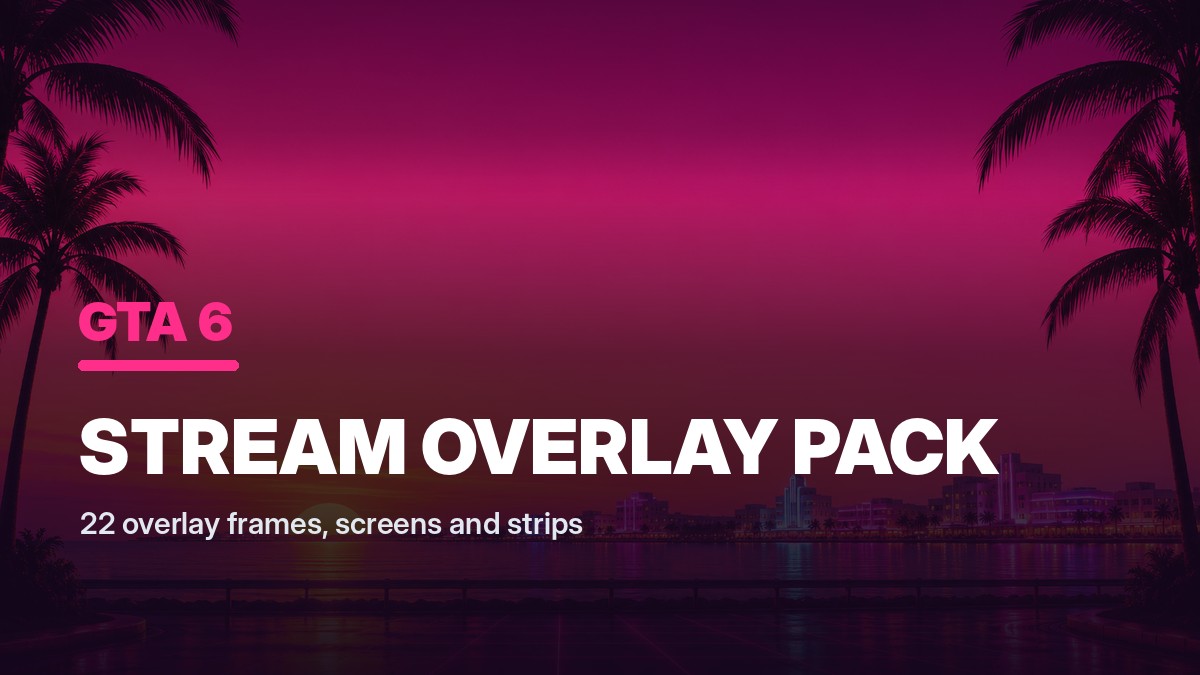
The GTA 6 Stream Overlay Pack gives a Twitch, Kick or YouTube Live channel a finished neon Vice look in about ten minutes, without opening a design tool. Every frame is a real
What you get
- 6 full stream frames at 1920 by 1080, RGBA PNG, with transparent gameplay and
A download in the library the checkout makes for you, plus the same link by email.
The full description
SellRamp's own copy for this product, as it appears in its catalogue. We have not rewritten it to sell it harder.
The GTA 6 Stream Overlay Pack gives a Twitch, Kick or YouTube Live channel a finished neon Vice look in about ten minutes, without opening a design tool. Every frame is a real RGBA PNG with a genuinely transparent gameplay window and a transparent webcam cutout, so you drop one file on top of your sources in OBS and your capture shows straight through it.
What's inside
- 6 full stream frames at 1920 by 1080, RGBA PNG, with transparent gameplay and webcam cutouts and six different camera placements
- 6 scene screens at 1920 by 1080, two each for starting soon, be right back and stream ending, each with a clear title safe area
- 6 lower third and panel strips at 1920 by 200, RGBA PNG, transparent outside the bar so nothing boxes your name tag in
- 4 facecam frames at 400 by 300, RGBA PNG, in square, rounded, circular and wide cuts
- A one page OBS setup walkthrough covering canvas size, source order, fitting your capture to the cutouts, locking the overlay and adding text
- Five matching colour families so overlays, screens and strips all belong to the same channel
All typography is left to you on purpose, which keeps the artwork usable in any language and keeps your channel name crisp rather than baked into a picture. Works the same way in Streamlabs, Twitch Studio, Kick Studio and Prism.
Who it's for: streamers going live during launch week who want a channel that looks designed rather than default, and who do not want to spend the week before launch in Photoshop.
Clipping tool we recommend: Tapescribe, via our link https://tapescribe.com/clips/gta-6?ref=sellramp.
Original artwork. Not affiliated with, endorsed by or sponsored by Rockstar Games or Take-Two Interactive.
Checkout runs on SellRamp, which is ours, without leaving this page. Cards are handled by Stripe and we never see the number.
Goes with it
$39
GTA 6 Creator Design Bundle: Overlays, Thumbnails, Channel Art and Discord Kit
The GTA 6 Creator Design Bundle is the complete launch week design kit for a gaming channel: stream overlays, thumbnail backgrounds, channel art and a full Discord server kit
Buy for $39
$12
GTA 6 Channel Art Kit: Banners, Avatars and Profile Headers
The GTA 6 Channel Art Kit covers every profile image a gaming channel needs, at the exact pixel sizes the platforms crop to, in four matching colour variants. The YouTube banners
Buy for $12
$12
GTA 6 Discord Server Kit: Icons, Banners, Role Colours and Channel Template
The GTA 6 Discord Server Kit is the visual side and the written side of a launch week server in one download, so you can go from an empty server to a designed one in about an
Buy for $12